










Have Questions?Ask An Expert
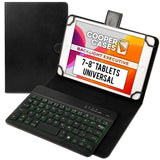
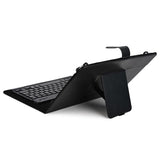
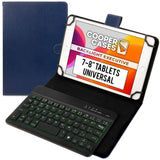
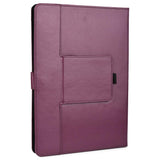
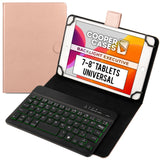
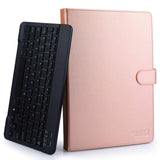
Cooper Backlight Executive Universal Bluetooth Keyboard Folio for 7-8" Tablets (with Backlit keys)
Subcribe to back in stock notification


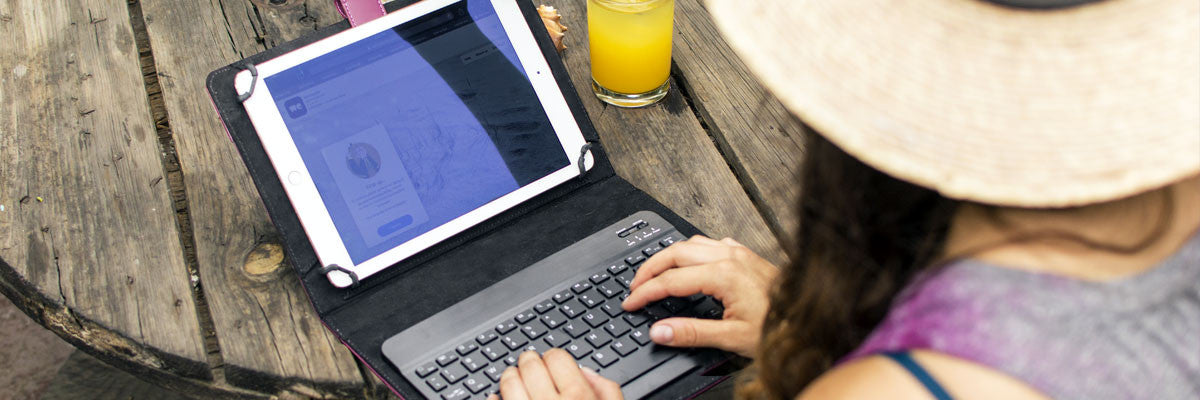
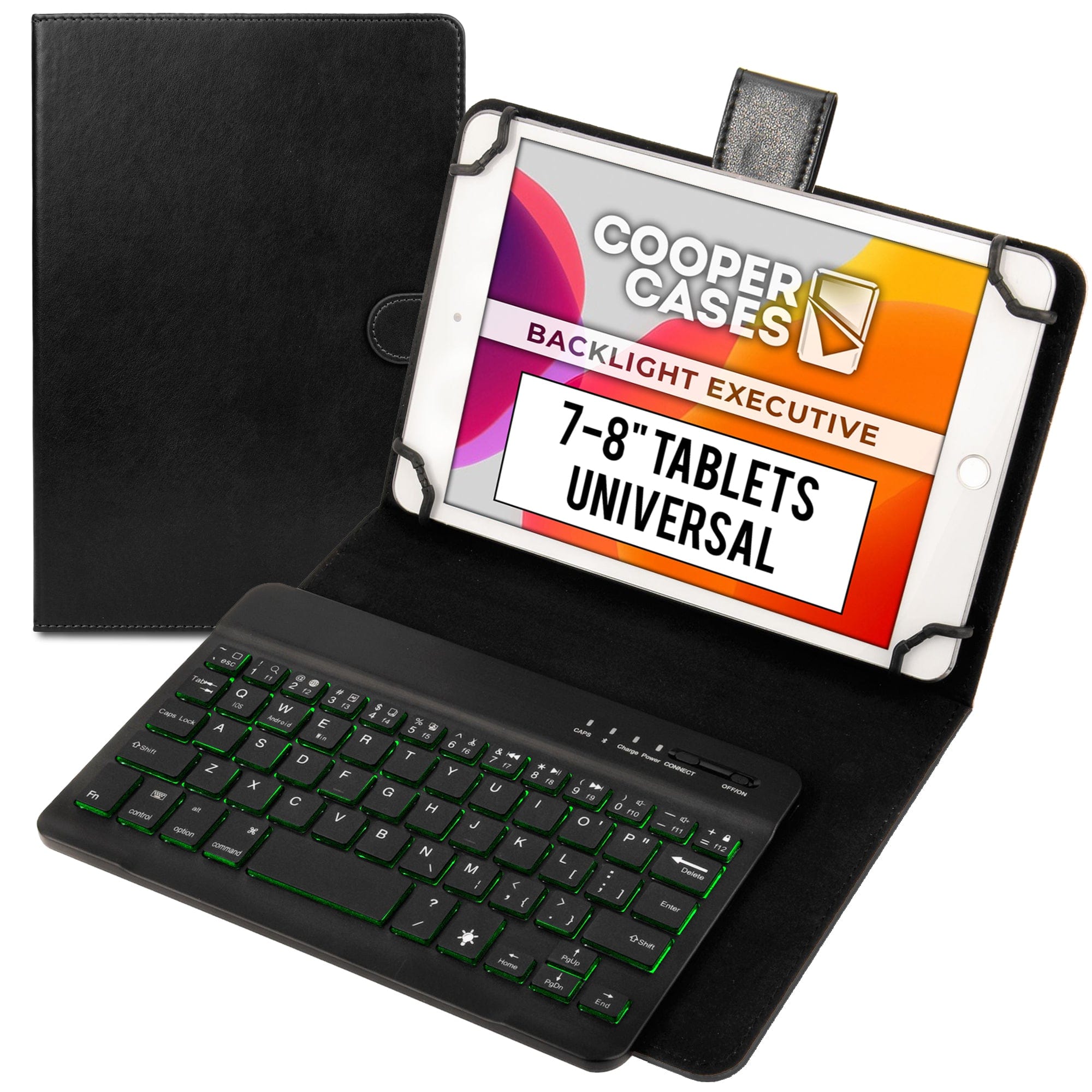
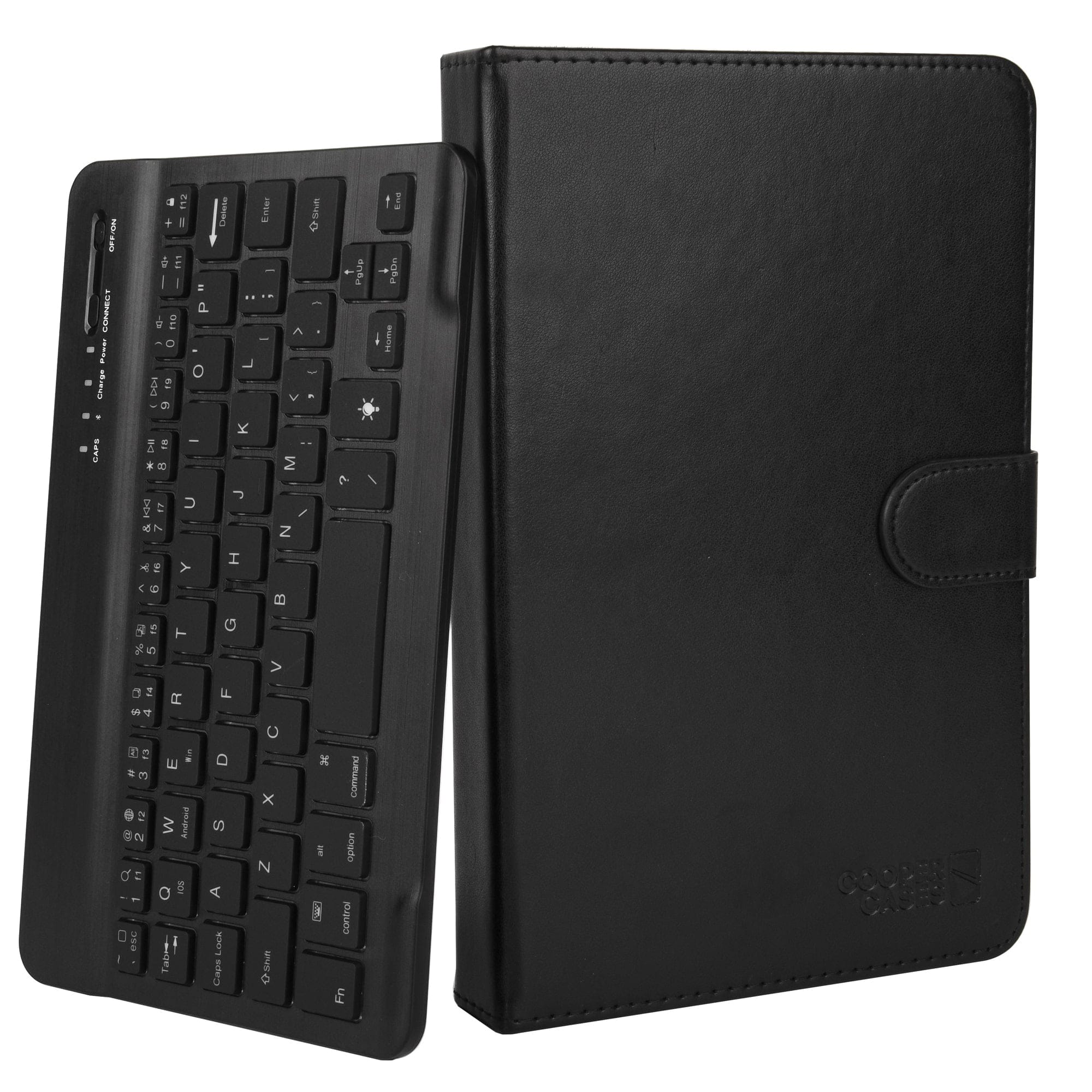
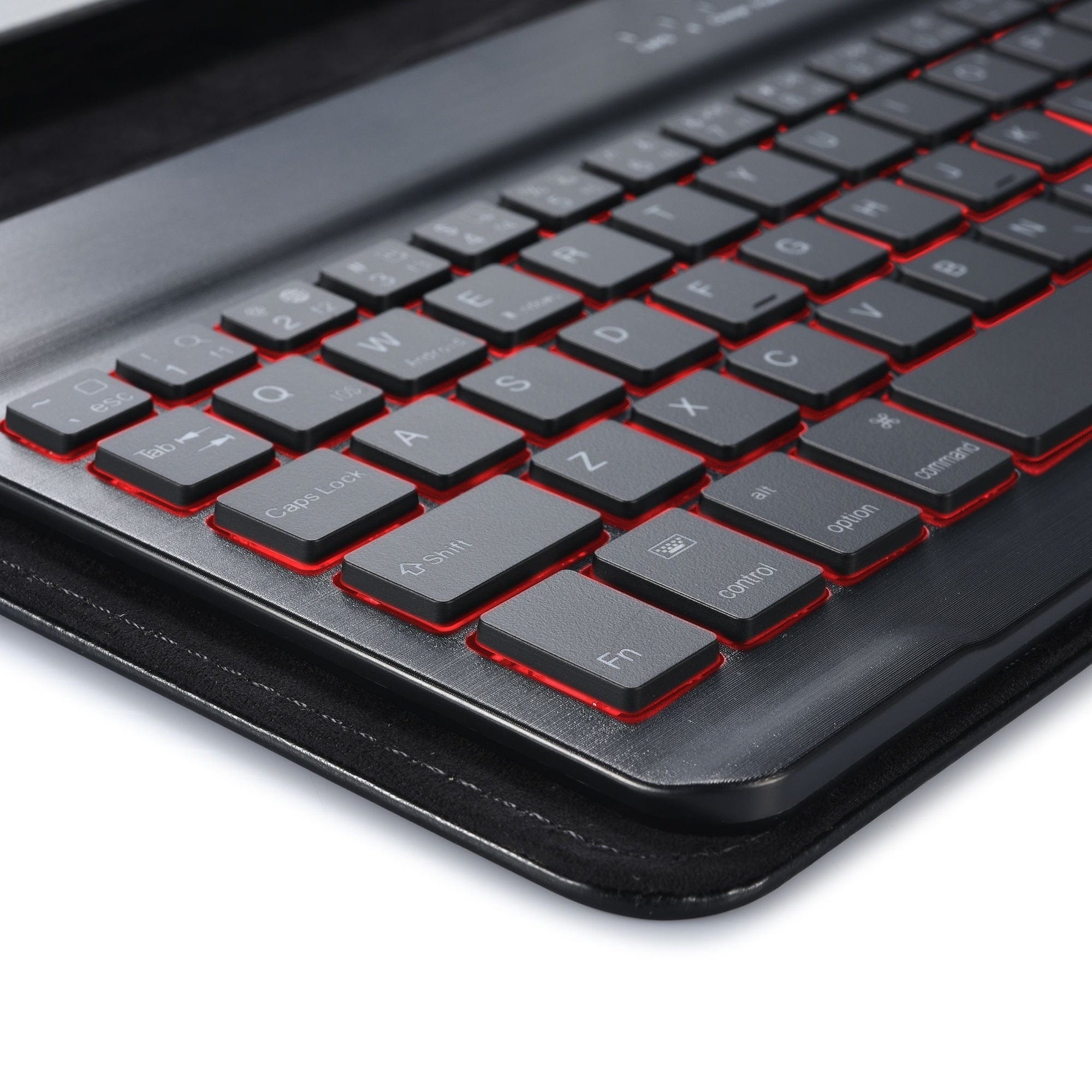
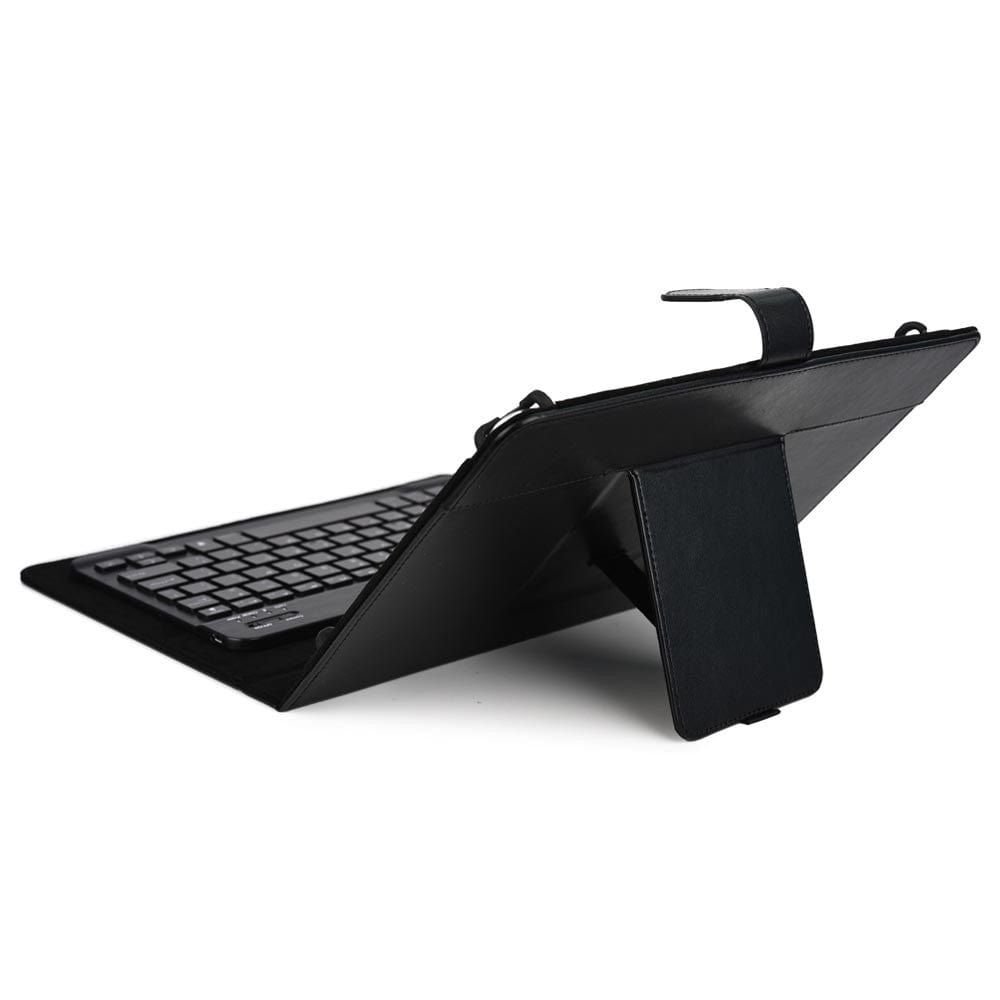
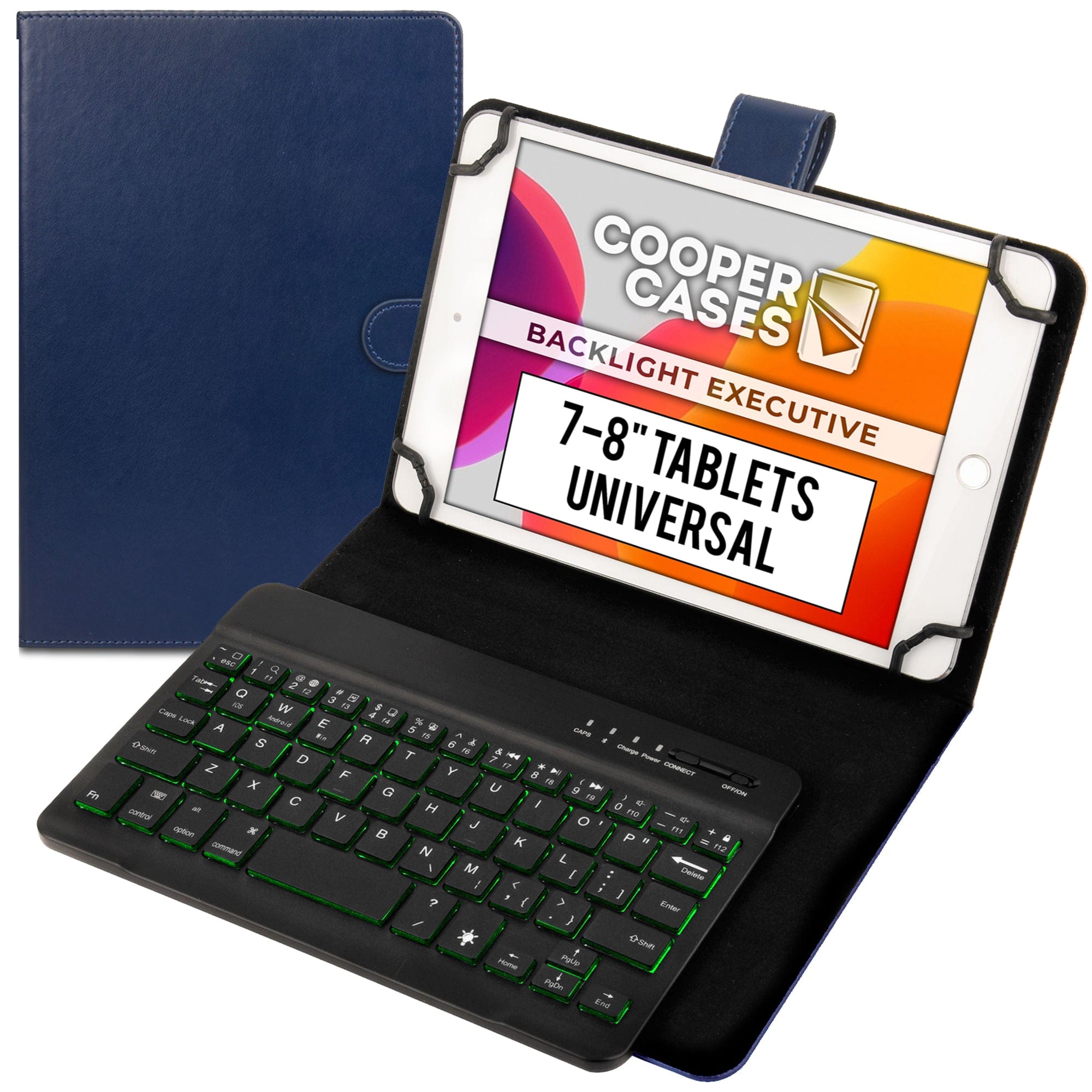
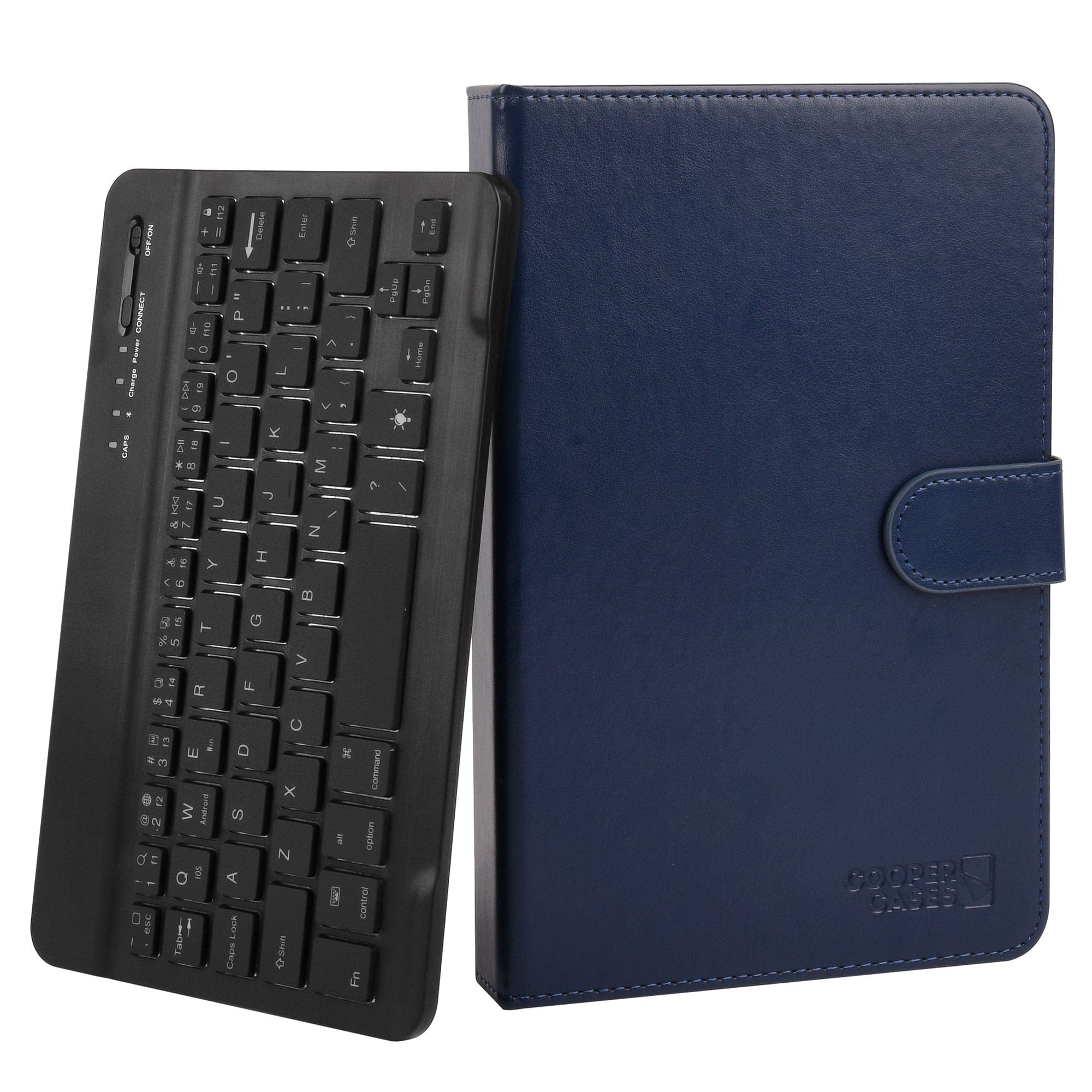
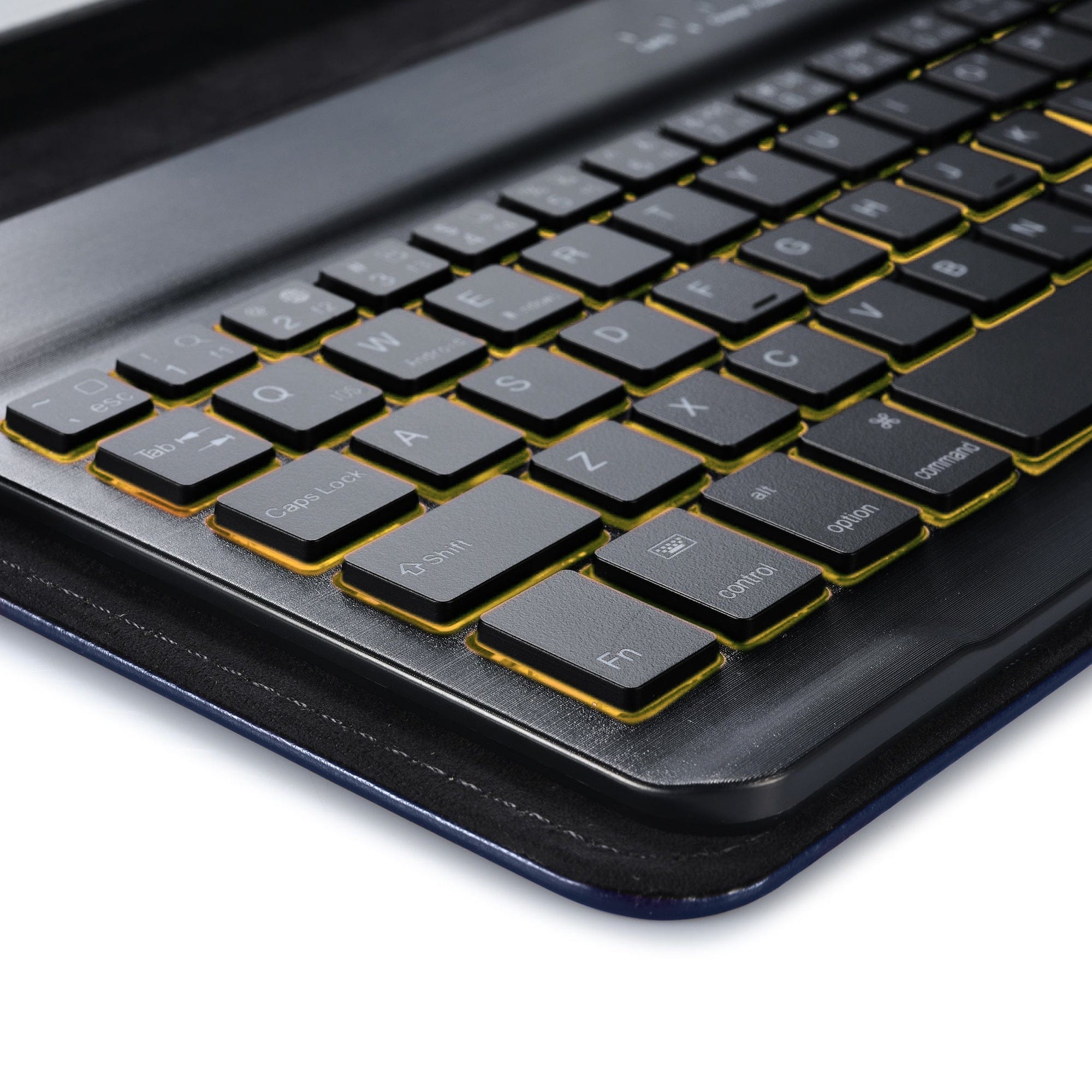
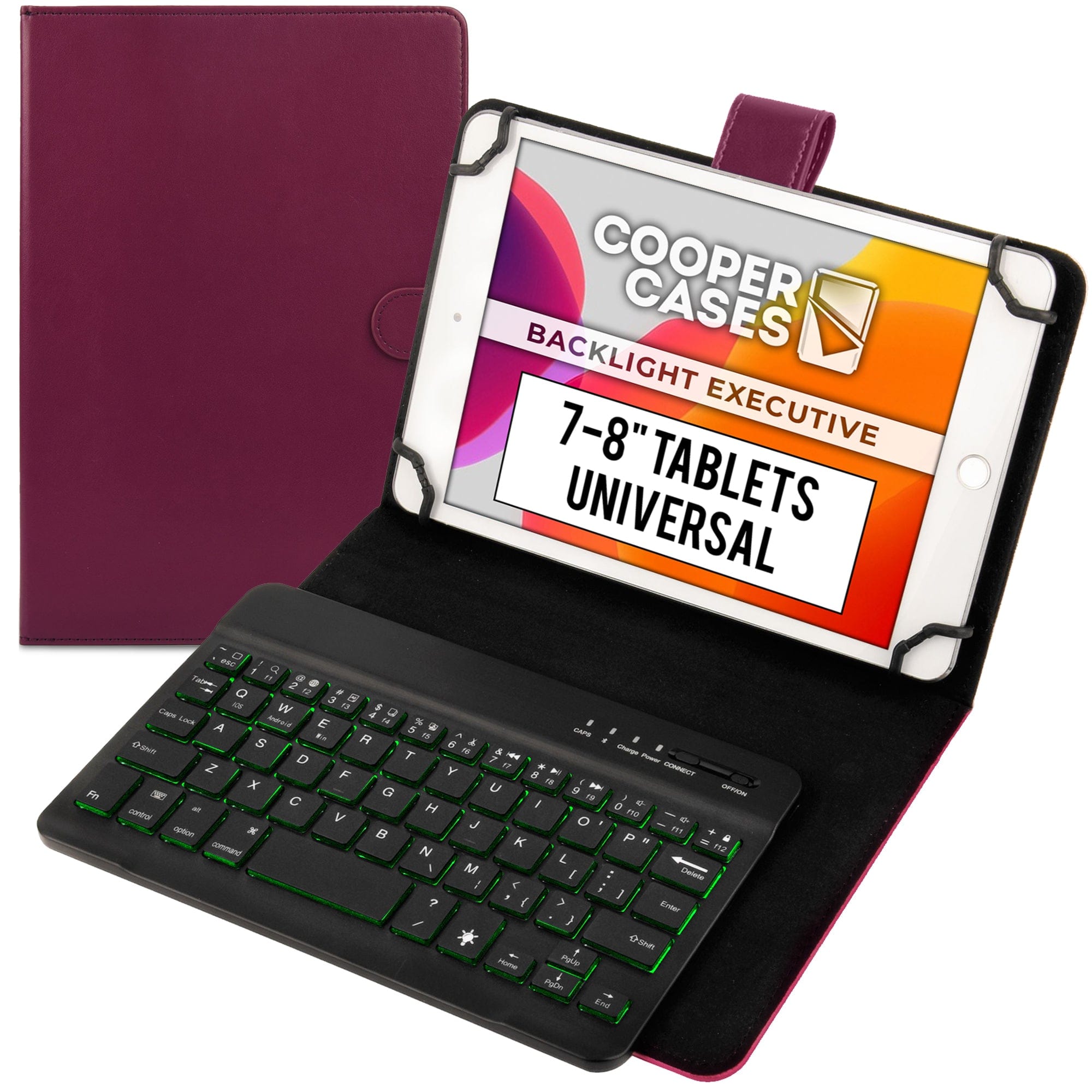
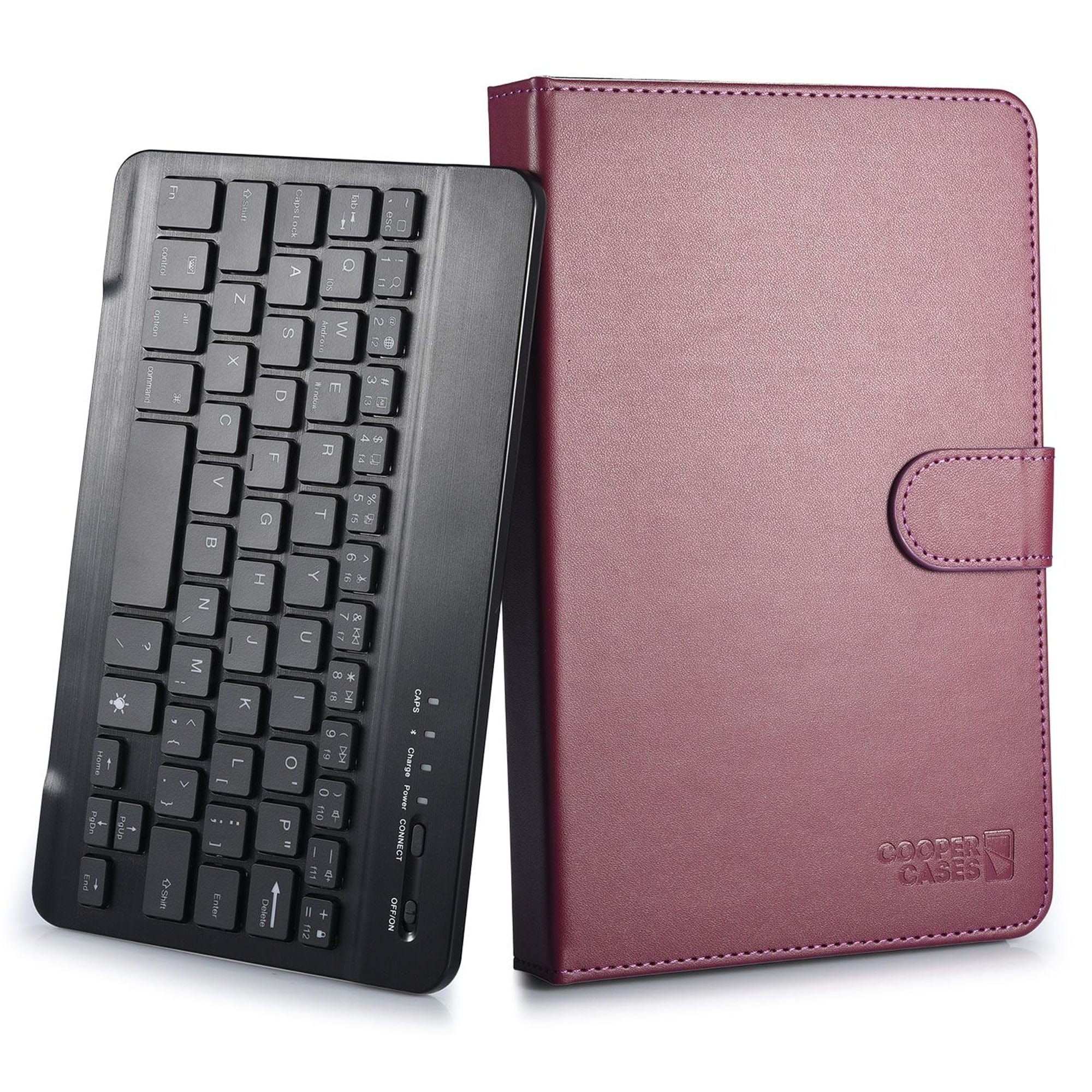
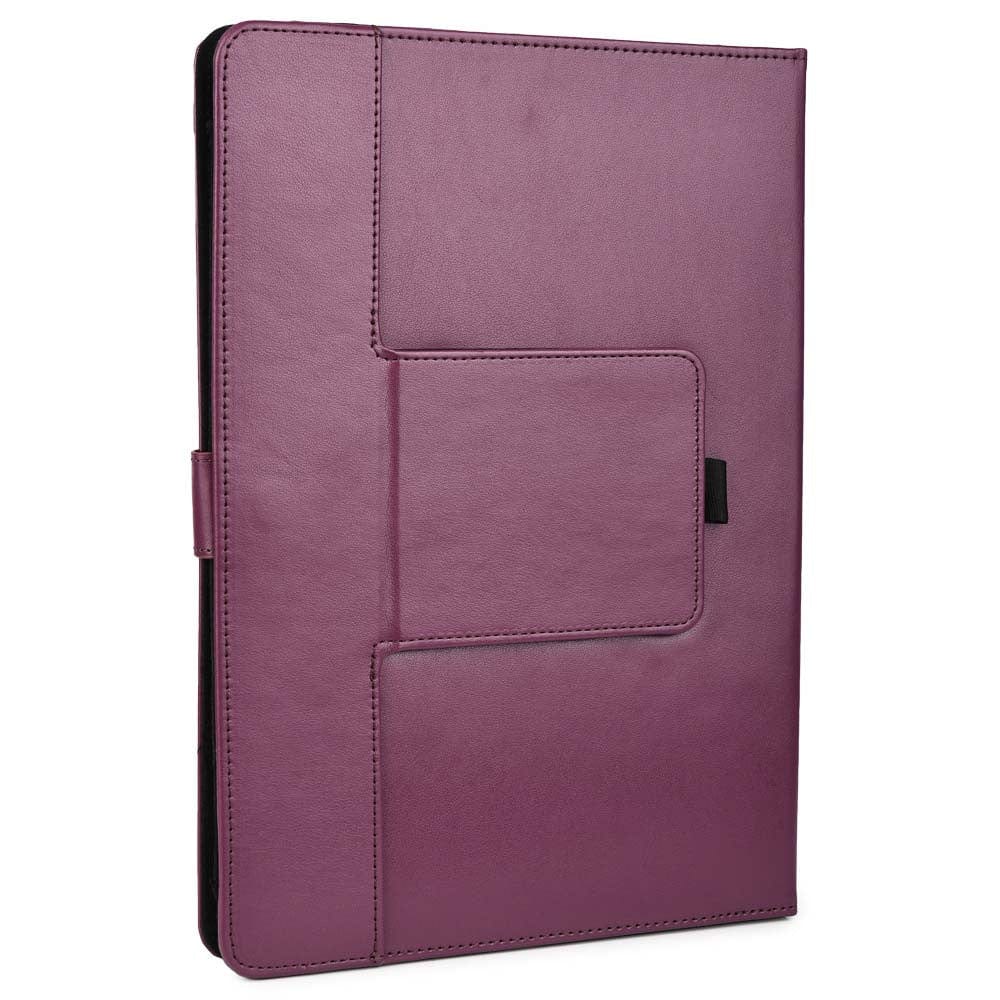
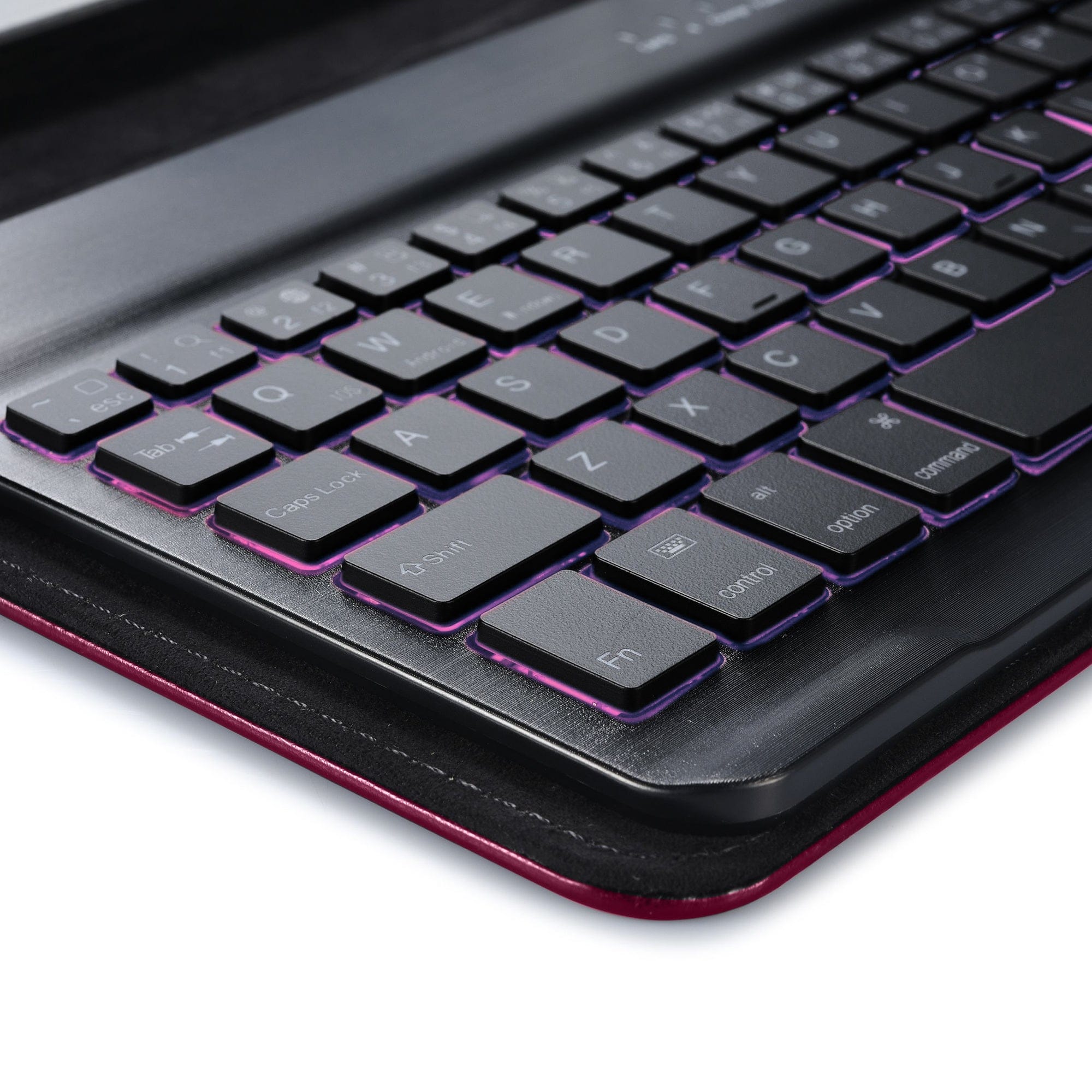
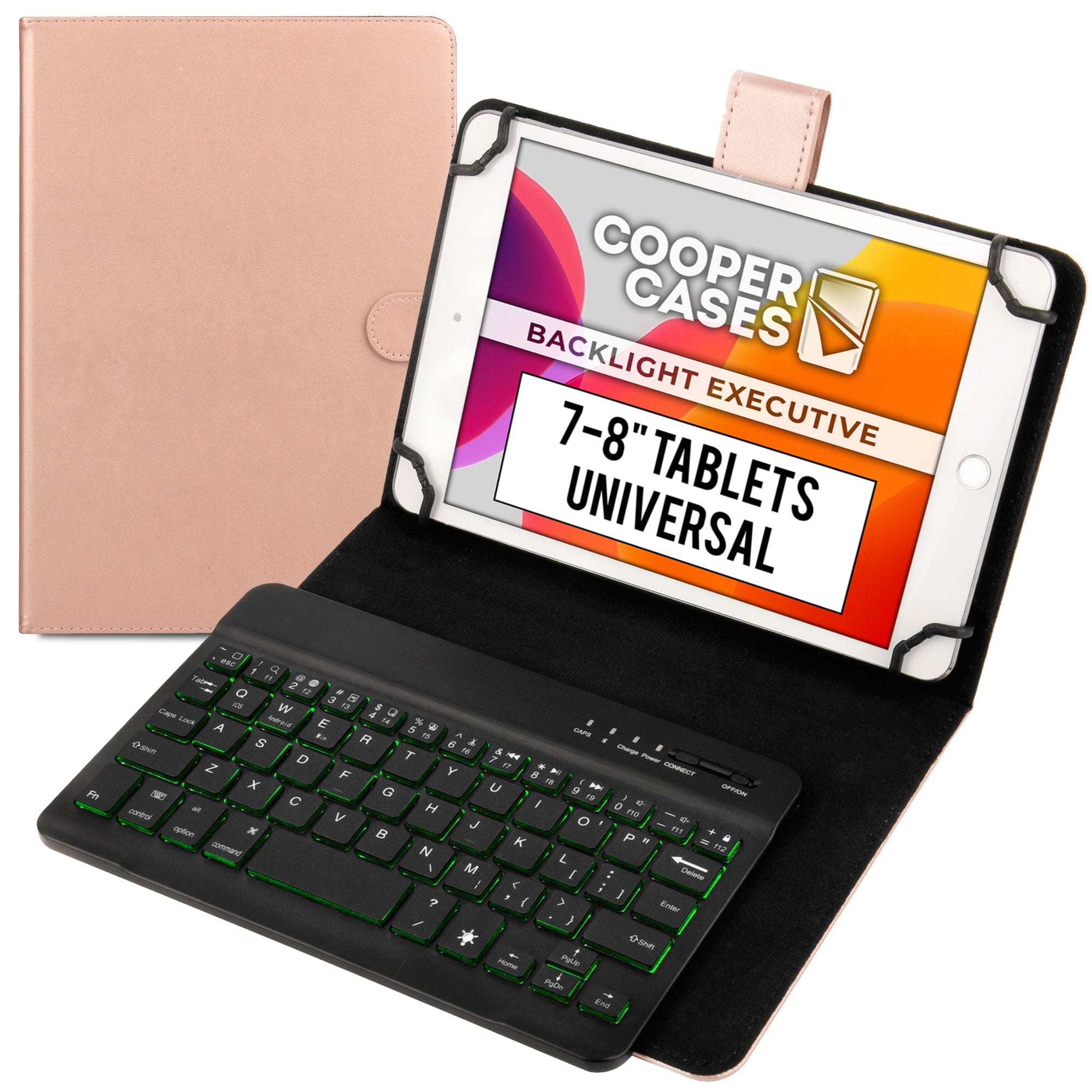
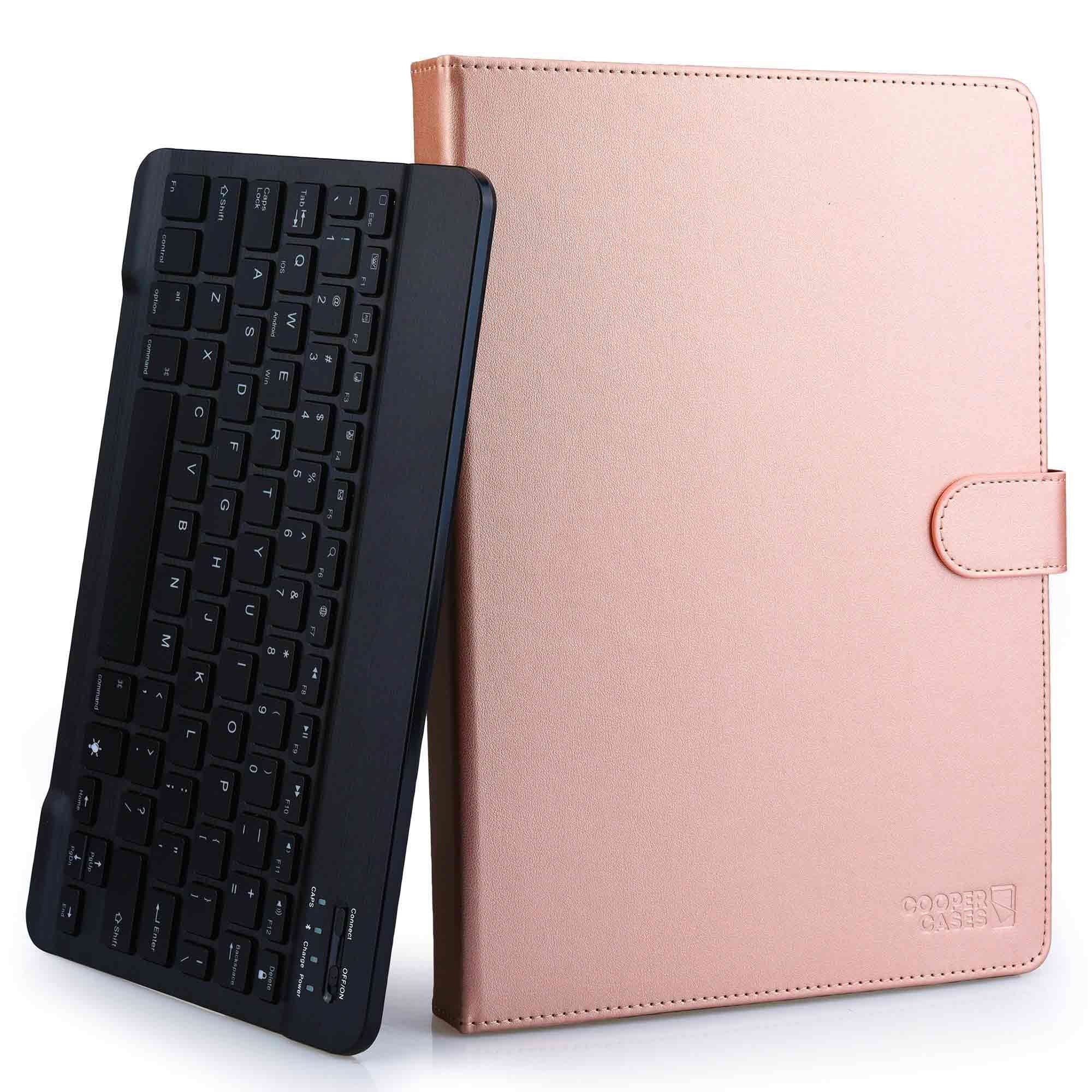
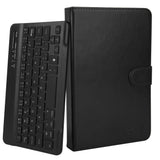
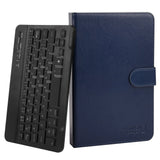
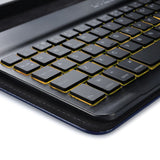
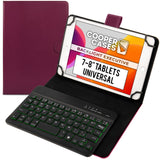
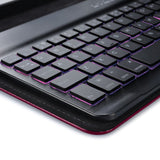
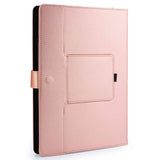
The latest tech-weapon of the mobile executive is a refined, reliable and dashing black PU leather case and keyboard combo. Digital nomads and compulsive overachievers will delight in the magnetically detachable, backlit keyboard for those long and often dim evening commutes. Type away typo free thanks to its traditional key resistance while comfortably detached in your lap. Tablet-friendly silicone claws insure you against scratches and will house just about any brand. The adjustable brightness LEDs come in seven cool colors adapting to your environment and mood.
DOWNLOAD COOPER BACKLIGHT EXECUTIVE KEYBOARD FOLIO USER MANUAL


Features
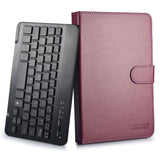
- Removable magnetically attached keyboard with US English layout and regular resistance for a traditional typing experience
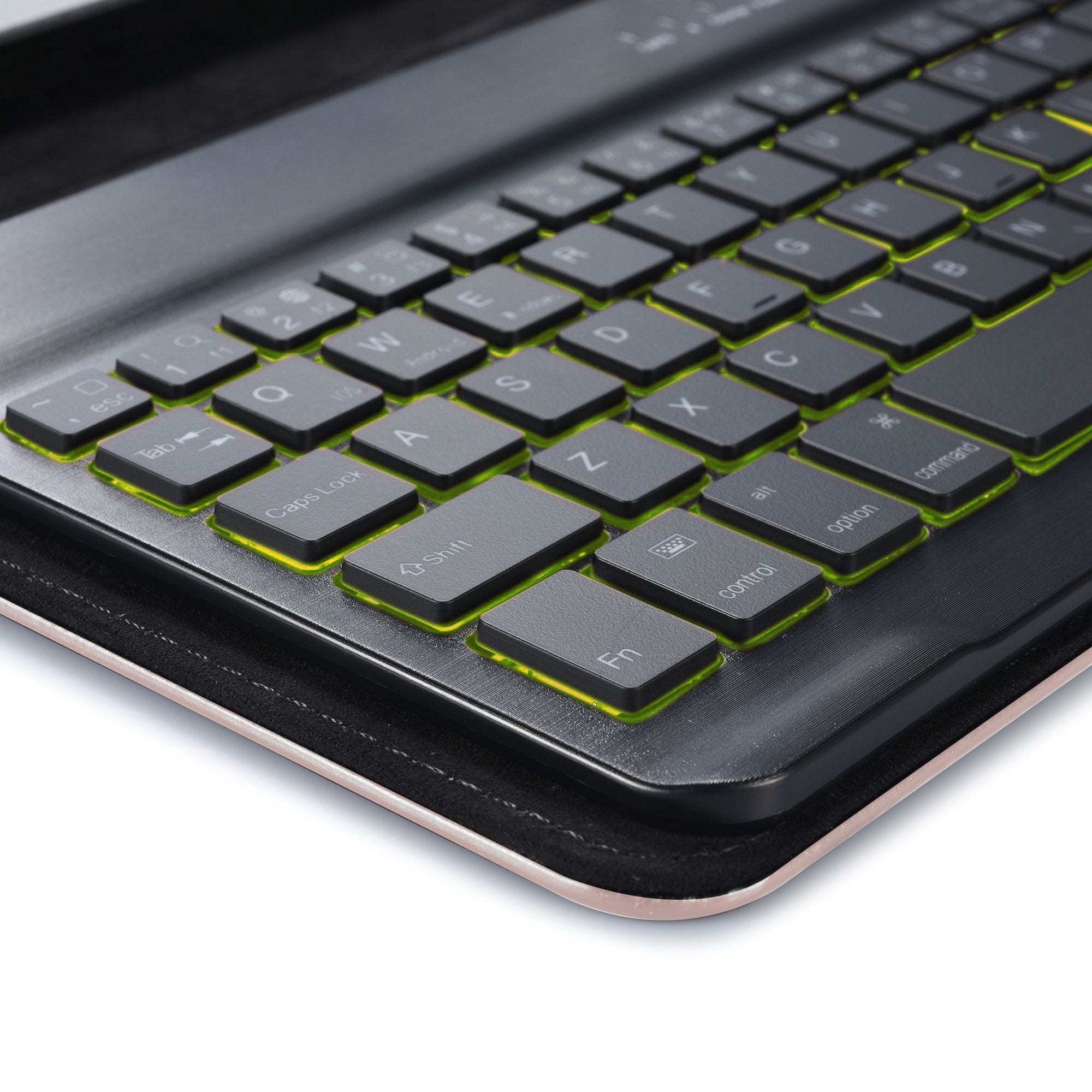
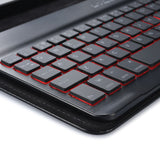
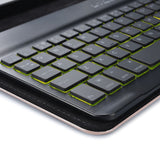
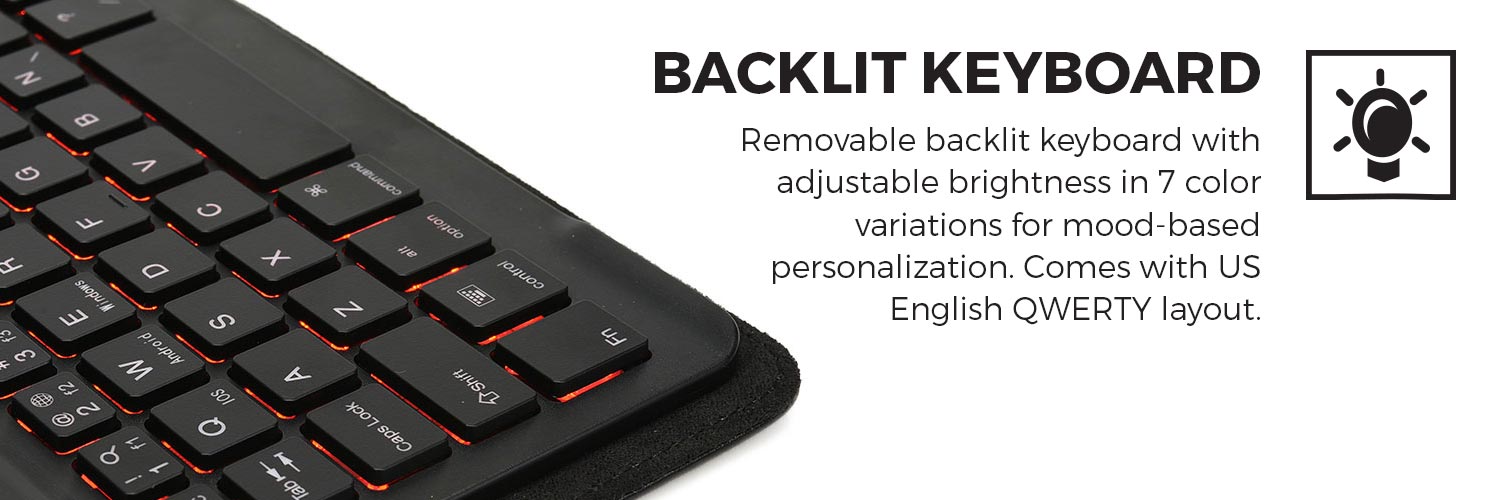
- Backlit keyboard with adjustable brightness in 7 color variations for mood-based personalization
- Hollow stretchy silicone claws insure the tablet against scratches, keeping your tablet cushioned and safe
- Wireless Bluetooth keyboard allows you to type or control the tablet with various shortcuts from anywhere within a 10m radius
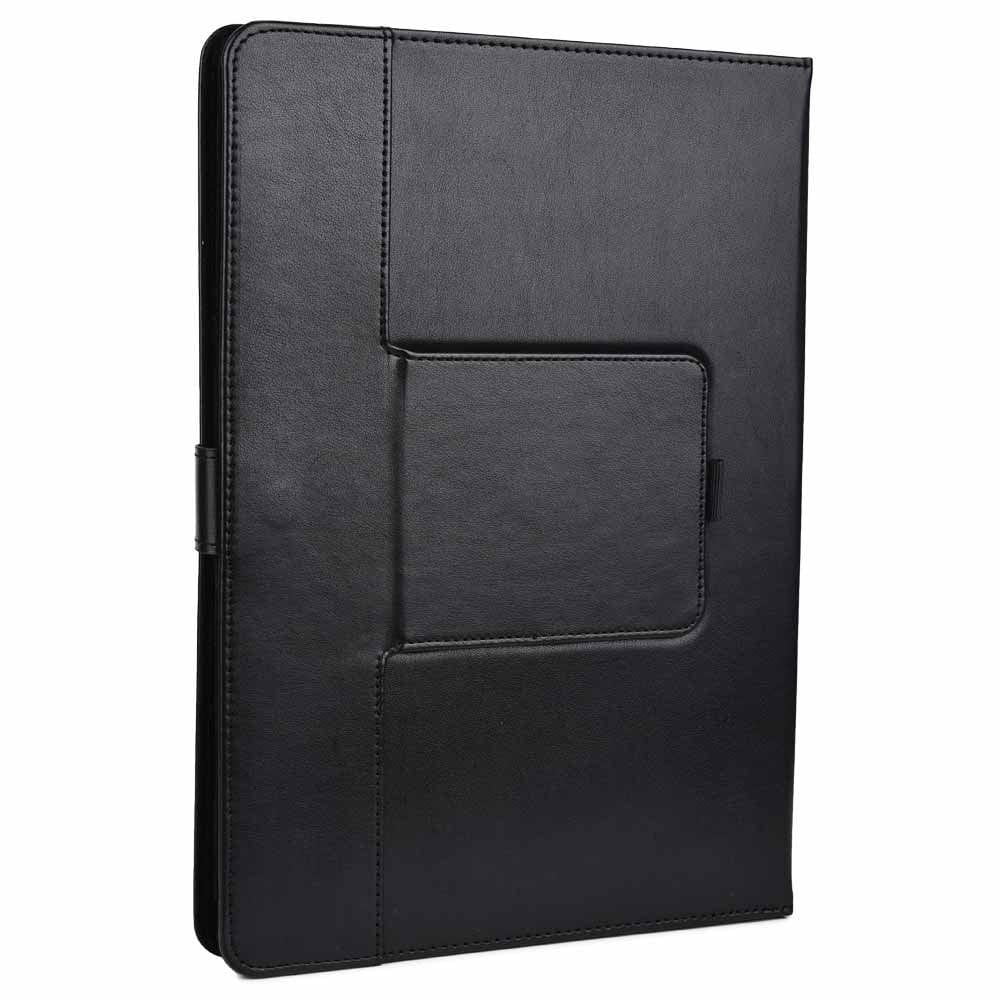
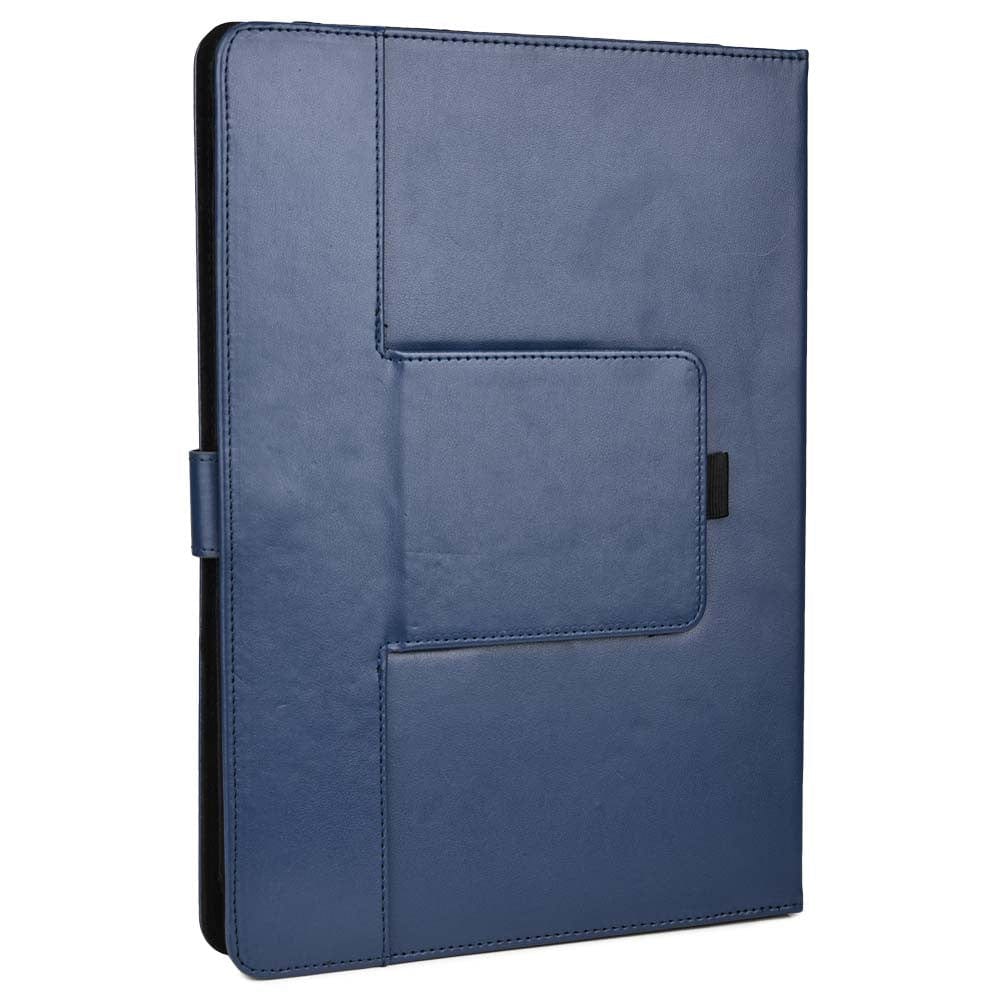
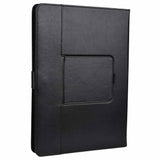
- The elegant black exterior of a business case in its prime
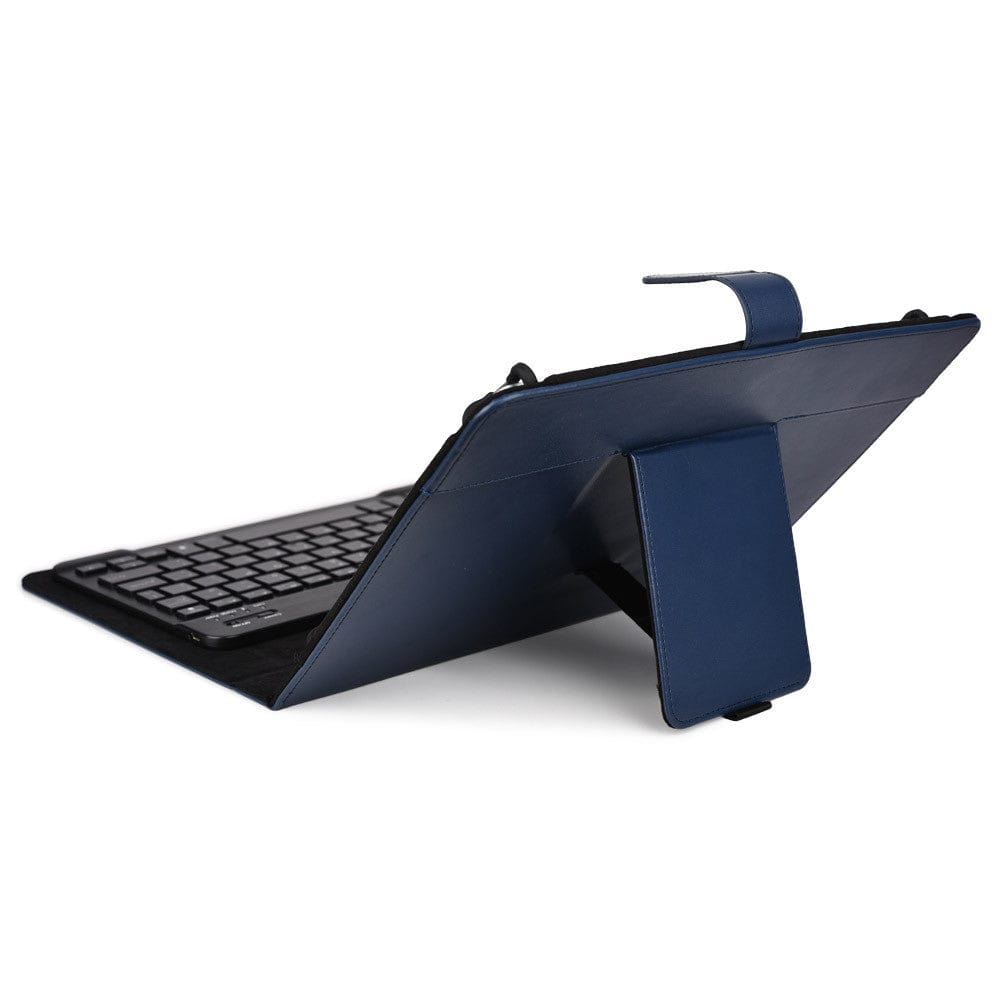
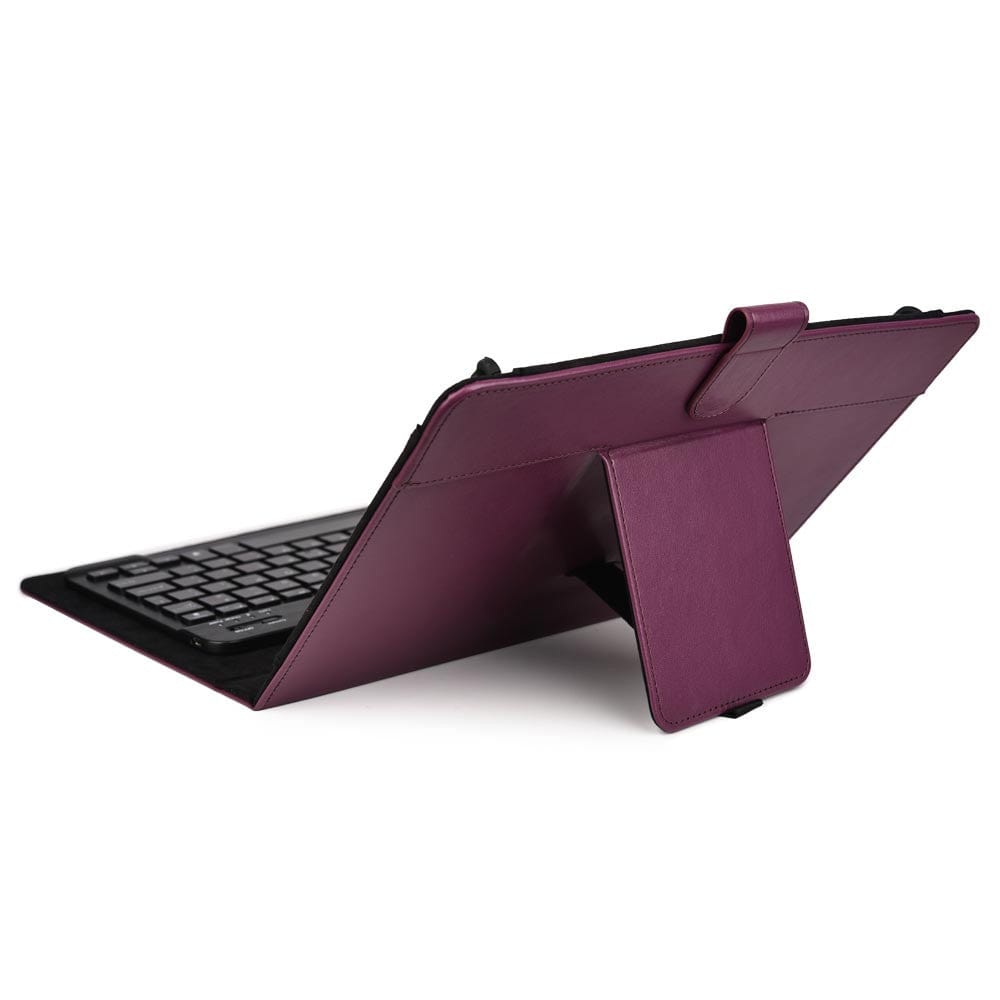
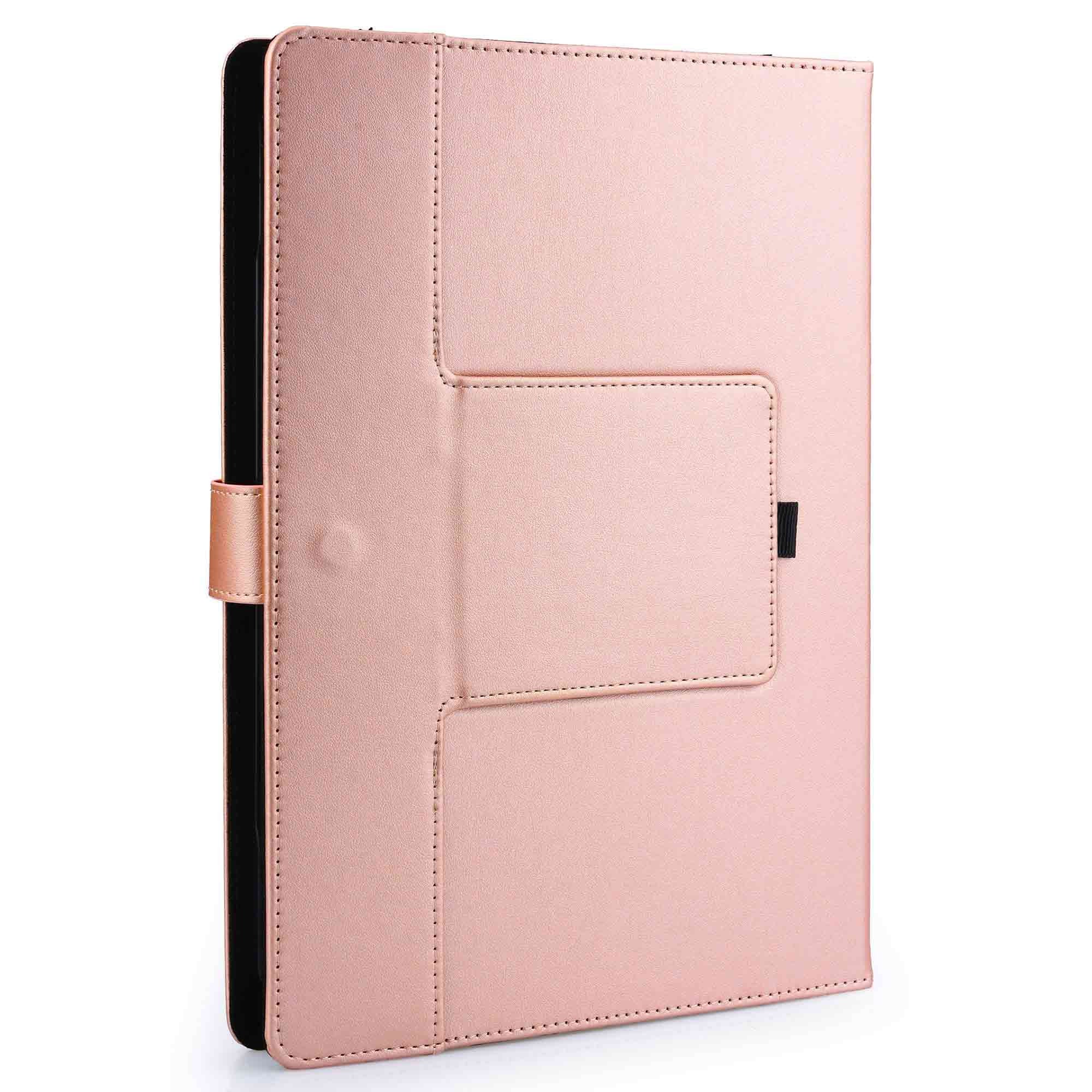
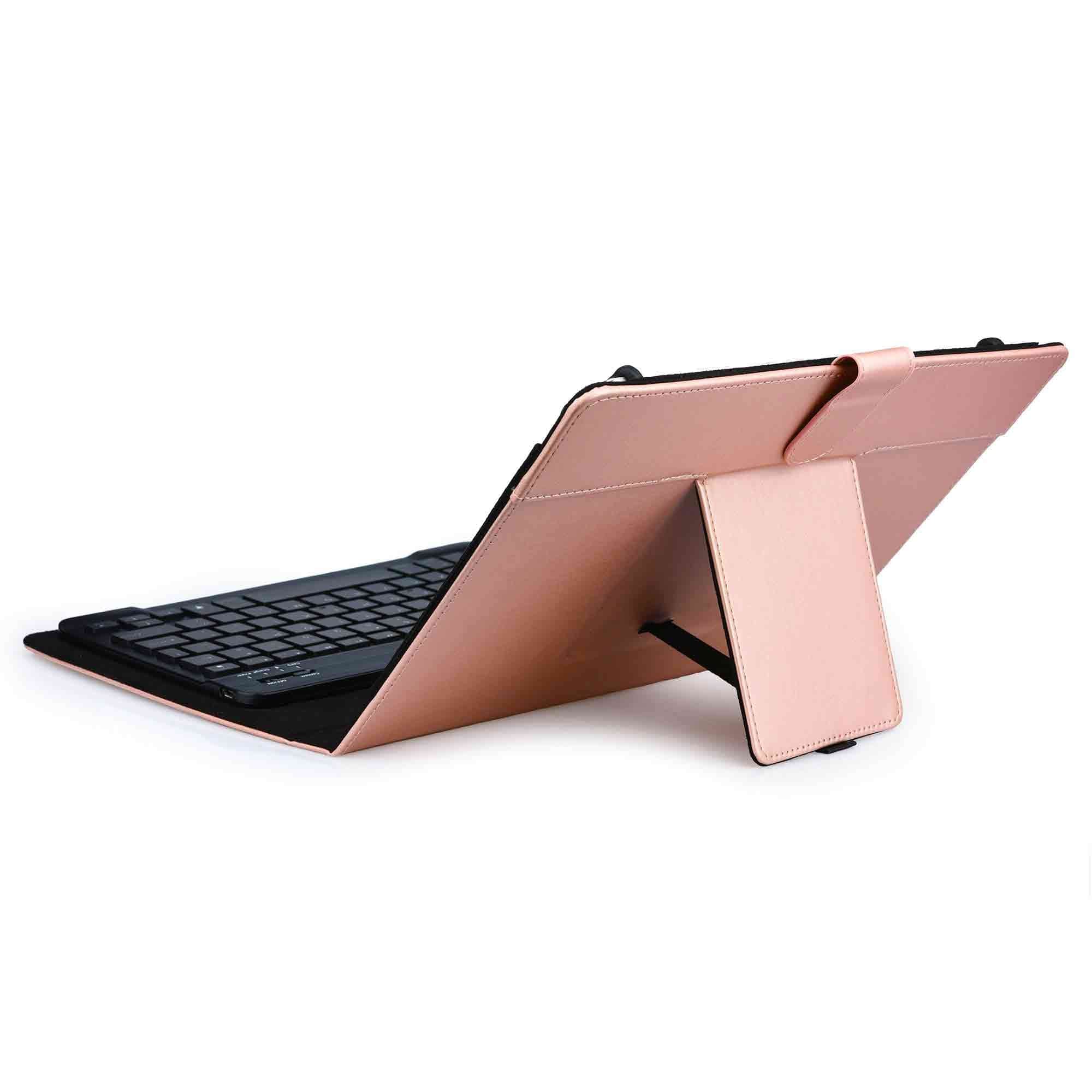
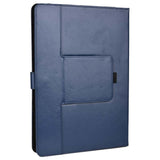
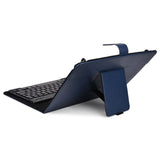
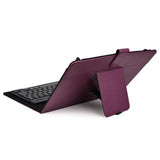
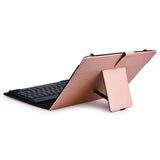
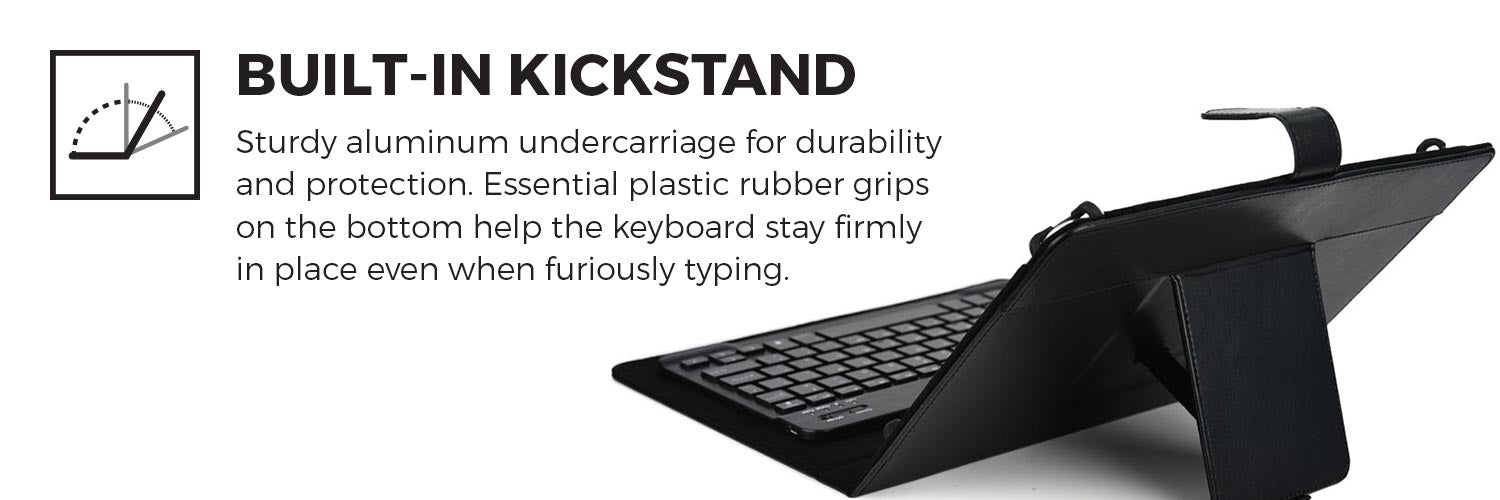
- Helpful kickstand that allows you to view the screen at a 50° angle
- Compatible with all devices on Android, iOS and Windows platforms
- The battery life lasts up to 60h and is enough to last you all week long
- The 7-8 inch keyboard cover should have Claws expand from min 4.3" to max 5.4" inches in width & min 6.7" to max 8.3" inches in height.
Pros
- Compatible with any 7”-8” tablets
- 7 backlight colors for night time display
- Great typing feel with scissor-switch keys
- Removable keyboard attached on magnets
User Manual

FAQS
How do I pair the keyboard with my tablet?
Start by charging your keyboard completely, then turn the keyboard ON.
For Android tablets:
Open Settings > Bluetooth
1. Turn Bluetooth On.
2. Search for available devices.
3. Choose 'Bluetooth Keyboard'.
4. You are connected.
For Windows tablets:
Open Settings > Devices > Bluetooth
1. Turn Bluetooth On.
2. Search for available devices.
3. Choose 'Bluetooth Keyboard'.
4. You are connected.
For iPad OS:
Connect Keyboard:
Open Settings > Bluetooth
1. Turn Bluetooth On.
2. Search available devices.
3. Choose 'Bluetooth Keyboard for iPad'.
4. You are connected.
I cannot find the '@' sign?
The keyboard's language is in the US QWERTY by default. Please set US QWERTY layout under the input method language settings of your tablet:
For tablet:
Launch Settings > ‘Language & input’
1. Select ‘Select keyboard layout’.
2. Find your Bluetooth keyboard listed under ‘Physical keyboard’ and press on its name.
3. Select ‘Set up keyboard layouts’.
4. Find your desired language.
If multiple languages are enabled, you may press Ctrl + Space on your Bluetooth keyboard to switch between them.
For iPad:
Launch Settings from your Home screen.
1. Select 'General'.
2. Scroll down and select 'Keyboard'.
3. Tap 'Add New Keyboard'.
4. Scroll down and select 'United States'.
To return to another keyboard, simply tap and hold the globe key and make your selection again.
How do I turn ON the backlight on my keyboard?
Press the "light bulb" icon key to the right of the arrows to turn the backlight on. Pressing it again will increase brightness. Pressing it a third time will turn the backlight off.
How do I change the backlight color?
Press the "lighting" key together with up or down arrow to change the backlight color.
My keyboard stopped typing/some keys stopped working.
Most keyboard issues come from low battery. Charge your keyboard for around 6 hours. If the problem persists, please contact us for more assistance.
I turn on my keyboard, and then the on light turns off (I charged it as instructed)
The light switches off to preserve the battery, and it's not an indicator that it's damaged. When you switch on the keyboard, a charging light will turn on for 2-3 seconds. The same occurs when connecting the keyboard to a power source - the light goes on for 2-3 seconds and then switches off.
Where can I view the electronic manual of the keyboard?
The digital user manual of the keyboard is here:
Does it work for the iPad?
Yes, the keyboard is compatible with the iPad as well as Android and Windows tablets. Make sure you have the latest OS.
Does the backlighting show through the symbols on the keys?
Yes, the backlight illuminates the character on the keys.
Can I still take pictures with the tablet in the case?
The Cooper Backlight Executive case is universal. It fits many tablet models. Each tablet has a camera in a different position. A single camera cutout wouldn't be universally compatible, so this case does not have a camera cutout.
How do you move the cursor around if there is no touchpad or mouse input?
This keyboard does not have a trackpad. Please touch the tablet screen for navigation.
What is the language layout of the keyboard?
The default keyboard/language layout is US QWERTY.
Does it comes with a charger, or is a charger needed?
The keyboard cover comes with a charging cable only. No adapter included in the packaging.
What material are the keyboard keys?
The key buttons use the same plastic materials as standard laptop keyboards.
How long does the charge generally last?
The keyboard battery lasts 60-100 hours. Recharging takes up to 2 hours.
I'm afraid the claws won't hold my tablet well, or it will be too tight.
Four claws hold each corner of the tablet. The claws stretch to hold the tablet securely in place, even when dropped in the case. Each claw coated in protective silicon to protect the tablet from scratches.
Overview
To install Backlit stretch silicone claws over each corner of the tablet and make sure each is taught. The tablet should snap seamlessly in the correct position. Make sure battery is fully charged (charging cable included) and turn on the keyboard by switching the power button to “ON”. Once operational, sync the two devices by enabling Bluetooth on your Backlit and pairing the devices on your tablet settings.
Specifications
| Model Name | Backlight Executive |
| Tablet | 7" Tablet, 8" |
| Style | Folio, Keyboard |
| Brand | Cooper Cases |
| Function | Business, Mens, School, Travel, Womens |
| Price | Budget $1 - $44 |
| SKU | CPR160BLK070, CPR160BLU070, CPR160PUR070, CPR160RSE070, CPR160TAN070 |
| Dimensions (WDH) | 7-8" - 8.5 x 1 x 5.6 in |
| Weight | 7-8" - 317gr/11.2oz |
| Exterior Material | Faux-Leather |
| Features | Bluetooth, Backlight, Integrated Stand, Universal |
Compatible devices
Acer tablets: Acer Iconia B1-720, Acer Iconia B1-721, Acer Iconia One 7 B1-730, Acer Iconia One 7 B1-730 HD, Acer Iconia One 8 (B1-810), Acer Iconia One 8 B1-820,Acer Iconia One 8 B1-850, Acer Iconia Tab 8 A1-840 FHD, Acer Iconia Tab 8 W (W1-810-1193), Acer Iconia Tab A1-830, Acer Iconia Tab A110, Acer Iconia Tab B1-A71
Alcatel tablets: Alcatel A30 Tablet, Alcatel Hero 8, Alcatel One Touch Evo 7, Alcatel One Touch Evo 7 HD, Alcatel One Touch Tab 7, Alcatel One Touch Tab 7 HD, Alcatel OneTouch Pop 8 LTE, Alcatel Pixi 3 (8) LTE, Alcatel Pixi 8, Alcatel Pixi 8 3G, Alcatel Pixi 8 LTE, Alcatel Pop 8, Alcatel Pop 8 S
Allview tablets: Allview AllDro Speed, Allview AllDro Speed White, Allview AX1 Shine, Allview AX2 Frenzy, Allview AX3 Party, Allview City Life, Allview City+, Allview Impera i8, Allview Speed City, Allview Viva D8, Allview Viva H8, Allview Viva H8 Plus, Allview Viva i8, Allview Viva Q7, Allview Viva Q7 Life, Allview Viva Q8
Amzon tablets: Amazon Fire 8, Amazon Fire HD 8, Amazon Fire HD 8 2018, Amazon Kindle Fire, Amazon Kindle Fire 8 HD 2017, Amazon Kindle Fire HD, Amazon Kindle Fire HD (2013), Amazon Kindle Fire HD 8, Amazon Kindle HD 8 2016, Amazon Kindle Oasis
Apple iPad: Apple iPad Mini, Apple iPad Mini 2, Apple iPad Mini 3, Apple iPad Mini 4, Apple iPad mini (5th generation)
Asus tablets: Asus Fonepad 7 3G (ME371MG/ME372CG), Asus FonePad 7 Dual Sim (ME175CG), Asus Fonepad 7 LTE (ME372CL), Asus Fonepad 8 (FE380CG), Asus Memo Pad 8 (ME181C, ME581CL), Asus Memo Pad 8 LTE (ME581CL), Asus MeMo Pad HD 7 (ME173X), Asus MeMo Pad HD 8 (ME180A), Asus PadFone X Mini, Asus tab, Asus VivoTab 8 (M81C), Asus Zenpad 3 8.0, Asus Zenpad 8.0, Asus ZenPad 8.0 Z380C, Asus ZenPad 8.0 Z380KL, Asus ZenPad S 8.0 Z580C, Asus ZenPad S 8.0 Z580CA, Asus Zenpad Z8, Asus ZenPad Z8s
Dell Tablets: Dell Venue 8, Dell Venue 8 7000, Dell Venue 8 New/ 2014 Edition, Dell Venue 8 Pro, Dell Venue 8 Pro 5855
HP Tablets: HP 7 Plus, HP 8 G2, HP 8 Tablet, HP Mesquite, HP Pro Slate 8, HP Pro Tablet 408 G1, HP Slate 7 Beats Special Edition, HP Slate 7 Extreme, HP Slate 7 Plus, HP Slate 8 Plus (7500) 3G, HP Stream 8 4G LTE
Huawei Tablets: Huawei Honor Pad 2, Huawei Honor Pad 2 8.0 4G, Huawei Honor Pad 2 8.0 WiFi,Huawei Honor Tablet, Huawei Media Pad T1 8.0 Pro, Huawei MediaPad 7, Huawei MediaPad 7 Lite, Huawei MediaPad 7 Vogue, Huawei MediaPad 7 Youth, Huawei MediaPad 7 Youth2, Huawei MediaPad M1 8.0, Huawei MediaPad M2, Huawei MediaPad M2 8.0, Huawei Mediapad M3 8.4, Huawei MediaPad M3 Lite 8, Huawei MediaPad M5 8, Huawei MediaPad T1 8.0, Huawei MediaPad T3
Lenovo tablets: Lenovo A7-30 A3300, Lenovo A7-50 A3500, Lenovo Ideapad Miix 300 8 inch, Lenovo IdeaTab A1000, Lenovo IdeaTab A3000, Lenovo LePad S2007, Lenovo Miix 2 8, Lenovo Miix 3 8, Lenovo Tab 2 A8-50, Lenovo Tab 3 8, Lenovo Tab 3 8 Plus, Lenovo Tab S8-50
LG tablets: LG G Pad (Tab) 8.0 (V480, V490), LG G Pad (Tab) 8.0 LTE, LG G Pad 8.0 LTE, LG G Pad F 8.0, LG G Pad II 8.0 LTE, LG G Pad III 8.0 FHD, LG G Pad X 8.0
Micromax tablets: Micromax Canvas Tab P650E, Micromax Canvas Tab P666, Micromax Canvas Tab P690, Micromax Canvas Tab P802 4G, Micromax Funbook 3G P560, Micromax Funbook 3G P600, Micromax Funbook Alfa P250, Micromax Funbook Infinity P275, Micromax Funbook P300, Micromax Funbook Pro, Micromax Funbook Talk P360, Micromax Funbook Talk P362
Prestigio tablets: Prestigio MultiPad 4 Diamond 7.85 3G, Prestigio MultiPad 4 Diamond 7.85 3G*, Prestigio Multipad 4 Quantum 7.85, Prestigio MultiPad 4 Quantum 7.85 3G, Prestigio MultiPad 7.0 Prime Duo, Prestigio MultiPad 7.0 Pro, Prestigio MultiPad Journey 7.0 3G,
Samsung tablets: Samsung Galaxy Note 8.0, Samsung Galaxy Tab 7.0 Plus, Samsung Galaxy Tab 7.7, Samsung Galaxy Tab 2 7.0, Samsung Galaxy Tab 3 8.0, Samsung Galaxy Tab 4 8.0, Samsung Galaxy Tab A 8.0 (2015), Samsung Galaxy Tab A 8.0 with S-Pen (2015), Samsung Galaxy Tab A 8.0 (2017), Samsung Galaxy Tab A 8.0 (2018), Samsung Galaxy Tab A 8.0 (2019), Samsung Galaxy Tab A 8.0 with S-Pen (2019), Samsung Galaxy Tab Active, Samsung Galaxy Tab Active 2, Samsung Galaxy Tab E 8.0, Samsung Galaxy Tab S 8.4, Samsung Galaxy Tab S2 8.0
Toshiba tablets: Toshiba Encore 2, Toshiba Encore 2 8 / Pro (WT8-B32CN), Toshiba Encore 2 Write 8 (WT8PE-B264), Toshiba Encore 8, Toshiba Encore 8 (WT8-A32M), Toshiba Encore Mini 7 ( WT7-C16), Toshiba Excite 7.7 (AT275), Toshiba Excite 7c (AT7-B8), Toshiba Excite Go (AT7-C8)
Other tablets: Airis winpad 82W, Archos 79 Platinum, Archos 79 Xenon, Archos 80 Cesium, AT&T Trek 2hd, Azpen A740, Barnes & Noble Nook HD, Blackberry PlayBook, BlackBerry, PlayBook 4G HSPA+, Blackberry Playbook 4G LTE, BLAUPUNKT Endeavour 4KIDS, BLU Life View 8.0, BLU Life View Tab, BLU Touch Book 7.0 Lite, BQ Edison 3 mini, BQ Mobile BQ-8041, Celkon C820, Celkon CT-910, Celkon CT-910+, Celkon Diamond 4G Tab 8, Chuwi Hi8, Chuwi Hi8 Pro, Chuwi Hi8 Redux, Chuwi V88HD, Chuwi VL8, Chuwi VX8 3G, Craig CMP 738, Danew Dslide, DEXP Ursus 8X 4G, eSTAR Easy, Eve Tech T1, Excelvan Tablet PC, Explay Art 3G, Fly Flylife WEB 7.85 Slim, Fujitsu Stylistic Q335 Mini Tablet PC, Gigaset 8", Ginzuu GT-8010, Goclever Insignia 800 Win, Highscreen Alpha Tab, Hipstreet 8, Hisense Sero 7 Pro, Hisense Sero 8, Hisense Sero 8 Pro, Hisense VIDAA Mirror, Highscreen Alpha Tab, Hipstreet 8, Hisense Sero 7 Pro, Hisense Sero 8, Hisense Sero 8 Pro, Hisense VIDAA Mirror, Icemobile G2, Icemobile G5, Icemobile G7, Icemobile G7 Pro, Innjoo F801, Insignia Flexns, Intel TA70CA2, iRULU BabyPad Tablet, iRULU BabyPad Y1, iRULU Expro 1, iRULU eXpro X1 7, iRULU X1S, Jolla Tablet, Jumper EZPad mini 3, Karbonn Smart Tab 1Kogan Agora HD Mini 3G, KYOCERA KYT31, KYOCERA Qua Tab 01, Lava E Tab Connect+, Lava E Tab Ivory, Karbonn Smart Tab 2, Karbonn Smart Tab 3, Karbonn Smart Tab 8, Kobo Arc 7 HD, Lava M Tab, Linx 8, Linx 810, Linx Vision 8, Mediacom SmartPad 7.0 Go, MEDION LIFETAB (MD 60175), MEDION LIFETAB E7318 (MD 98691), MLS iQTab Bliss 3G – Tablet, Motorola Droid XYBoard 8.2 (MZ609), Motorola Xoom 2 Media Edition (MZ607), Motorola Xoom 2 Media Edition 3G (MZ608), NEC PC-TE508BAW, NeuTab S8, Nextbook 7.85", Nextbook 8GP, Nextbook ares 8, Nokia N1, Nuvision 8" Nvidia / EVGA Tegra NotOnix 8 QC 3De 7, Odys Xelio 7 Pro, Onda V80 Octa Core, Onda V80 SE, Onda V819 4G, Onda V819i, Onda V820W, PiPO Smart S6, PiPO W2, PiPO Work W4S, PiPOWork W4, Plum Debut, Plum Link, Plum Optimax 8.0, Plum Z710, QMobile QTab V10, Ramos I8C, Ramos K1, Ramos K2, Ramos W28, Ramos W30 HD Pro, Ramos X10, Ramos X10 Pro, RCA Apollo 8, RealPad by AARP 7.85", Sony Xperia Z3 Tablet Compact, Sprint Slate 8'', StarQ Pad W01J, Teclast A88HD, Teclast P80h, Teclast X80 Plus Dual Boot, Teclast X80 Power, Teclast X80h, Teclast X89, Tengda SM-T311, Tesco Hudl 7", Tesco Open Dott W032i-C3, Tesla Tablet 785, Texet X-Pad Navi 8.1 3G, Texet X-Pad SKY 81 3G, Tolino Tab 7, Tolino Tab 8, TREKSTOR 95341 SurfTab wintron, Verizon Ellipsis 7, Verizon Ellipsis 8, Verizon ellipsis 8 HD, Verizon Gizmo tab, Verykool Kolorpad, ViewSonic ViewPad 7D, ViewSonic ViewPad E72,Visual Land Prestige 7G, Visual Land Prestige Pro 7D with WiFi 7", Visual Land Prestige with WiFi 7", vodafone smart Tab 7, Vodafone Smart Tab II 7, Vodafone Smart Tab III 7, Vodafone Speed Tab 6, Woxter QX 82, Woxter QX 85, Xiaomi MiPad 2, Xiaomi MiPad 3, Xiaomi MiPad 7.9, XOLO Play Tab 7.0, XORO Pad 8W4 Pro, ZTE Grand X View 2, ZTE K85 (ZTE Grand View X), ZTE T98
Shipping Rates
- Free Shipping for orders over $50 (except oversize)
- Air Mail from Hong Kong is $8.95-$15.95(7-14 business days)
- Expedited shipping with FedEx from Hong Kong is $21.95-$31.95(4-7 days)
- Local shipping available in USA, Canada, Europe, Australia, Japan and UAE
- Standard shipping from local warehouse (US, CA, EU, AU, JP, UAE) is $4.95-$8.95(2-7 days)
- Oversize shipping from local warehouse is $19.95 - $31.95 (2-7 days)
- Expedited shipping also available from local warehouses (1-3 days)
Due to global supply chain challenges, international delivery time frames may be slower than what we've been used to pre-Covid. Thank you for your patience.

Simple Shipping
Customer service shouldn't stop at checkout. When you order from Tablet2Cases you get the total package. That means from A to Z, start to finish, either you feel good or we failed. Shipping is no exception. If you have any questions about your package, just contact us any time day or night and we'll get the answers you need.
Orders process in less than 24 business hours. If you order $50 or more, it’s free. That's right, free shipping on all orders over $50! Orders over $50 automatically ship from the nearest warehouse to you.
Air Mail is the cheapest shipping method. In USA, Canada, Western Europe, Australia and UAE you get local shipping (ie USPS, Canada Post, etc). It's slightly more expensive than Air Mail, but faster because it's dispatched from a local warehouse. It's only available while stocks last. For super fast delivery, use shipping with DHL / UPS for guaranteed delivery within 1-3 days.
Our Peace of Mind Promise
Our #1 priority is your peace of mind. We stand by products we sell. No matter what the product warranty says, we'll cover it and everything else.
No holds barred, no ifs, no ands, no buts. If you have a problem, we will solve it. Whatever it takes.
We're here for you. Peace of mind. Promised.
Simple Returns
Sometimes things we don’t expect, just happen. We strive to get it right 100% always, but we’re humans, not robots, so mistakes are possible. At least we own it, right?
The cool thing is, if something isn’t perfect we do whatever it takes to fix it. Because stuff happens! Take a look at our return policies.
.
Tablet2Cases is proud to offer stunning and durable wholesale tablet cases to public institutions and private businesses around the globe.
We don’t just play the role of middle man selling you generic cases: with Tablet2Cases, you can design customized solutions to meet the specific needs of your business and protect your investment.
TABLET CASES BY INDUSTRIES

Bulk Tablet Cases from Top-Quality Manufacturers
We know you have high expectations and standards. You take pride in every aspect of your business.
Tablet2Cases has developed professional relationships with some of the best manufacturing and production centers available. This allows us – and by extension, you – to have control and oversight over the production process and quality assurance.
It all starts with an idea – your idea.
Our flexible step-by-step production process allows you to customize your cases based on your business’s specific goals. Your product is in good hands with us. Our experienced professionals will bring your design to life while handling every detail with the precision and care your business deserves.
We take enormous pride in exceeding every customer’s expectations. Check our portfolio to see some of our work.
Boost Brand Awareness with Wholesale Tablet Cases
You put a lot of resources, energy, and heart into developing your brand. Why not incorporate your brand logo and aesthetic into your wholesale tablet cases?
Make an impact and leave a lasting impression. Tweaking the colors, logos, fonts, and packaging to match your branding is an excellent way to boost your brand awareness.
Made-to-Order with Your Choice of Durable Materials
Our cases are completely customized to meet your expectations and needs in every respect. Tablet2Cases offers a wide range of durable materials to choose from.
- Ethylene-vinyl acetate (EVA) foam
- Real leather
- Faux leather
- Polyurethane
- Thermoplastic polyurethane (TPU)
- Silicone
- And more
After choosing your material, we’ll work with you to design a cutout that meets the needs of your specific tablet fleet.
Tablet2Cases will ensure that openings are cut to allow access for cameras, ports, buttons, and any accessories you plan to use. You can also leave openings for barcodes, IDs, or QI wireless card storage.
You’re completely in control of the design and you’ll always have final approval before we produce the full fleet of cases. Our job is to guide you through bringing your idea to life, overseeing manufacturing, and delivering the product to your doorstep.
Of course, we’re also available for after sales support anytime you need us.
Learn more on how to get your custom case here.ARE YOU READY TO BRING YOUR IDEA TO LIFE?

*GET A FREE PREVIEW OF YOUR LOGO ON ANY PRODUCT
TABLET CASES FOR ALL NEEDS
Wholesale Rugged Tablet Cases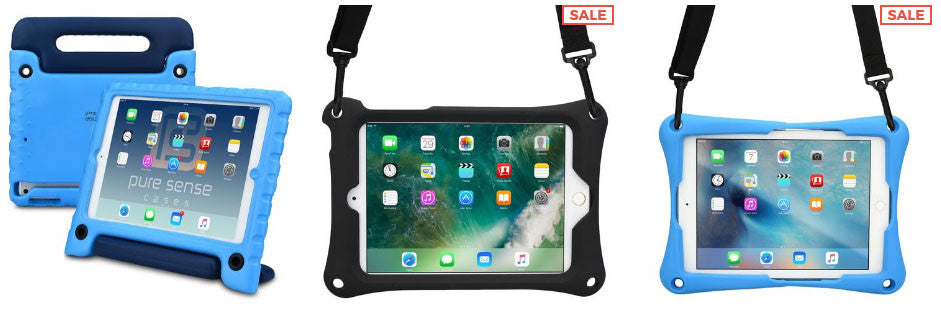 |
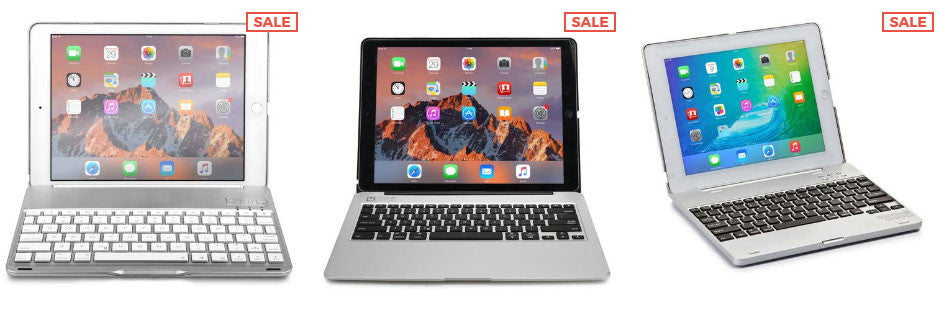
Wholesale Keyboard Tablet Cases
|
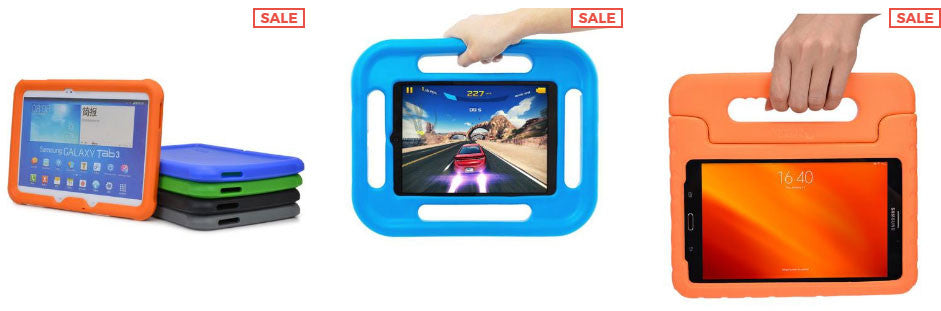
Wholesale Kids Tablet Cases
|
Wholesale Clamshell Tablet Cases
|

WHY BIG-NAME BRANDS TRUST TABLET2CASES
|
Attention to Detail |
Wholesale Pricing |
Customization |
Other Perks |
 Control case material and durability
LATEST TABLET2CASES CORPORATE CLIENTS
